
You launched your website.
You published the pages.
Maybe you even hired someone to work on SEO.
But when you search for the terms that actually matter to your business, your website is nowhere to be found.
So what is wrong?
When I audit a website that isn't ranking, I don't immediately start adding keywords, publishing more content, or building backlinks.
First, I try to find the actual problem.
Sometimes Google can't properly crawl or index the page. Sometimes the page is indexed but targets the wrong search intent. Sometimes the content isn't strong enough to compete. And sometimes the SEO isn't broken at all. The website is simply competing against much stronger pages.
The important part is figuring out which problem you're actually dealing with before trying to fix it.
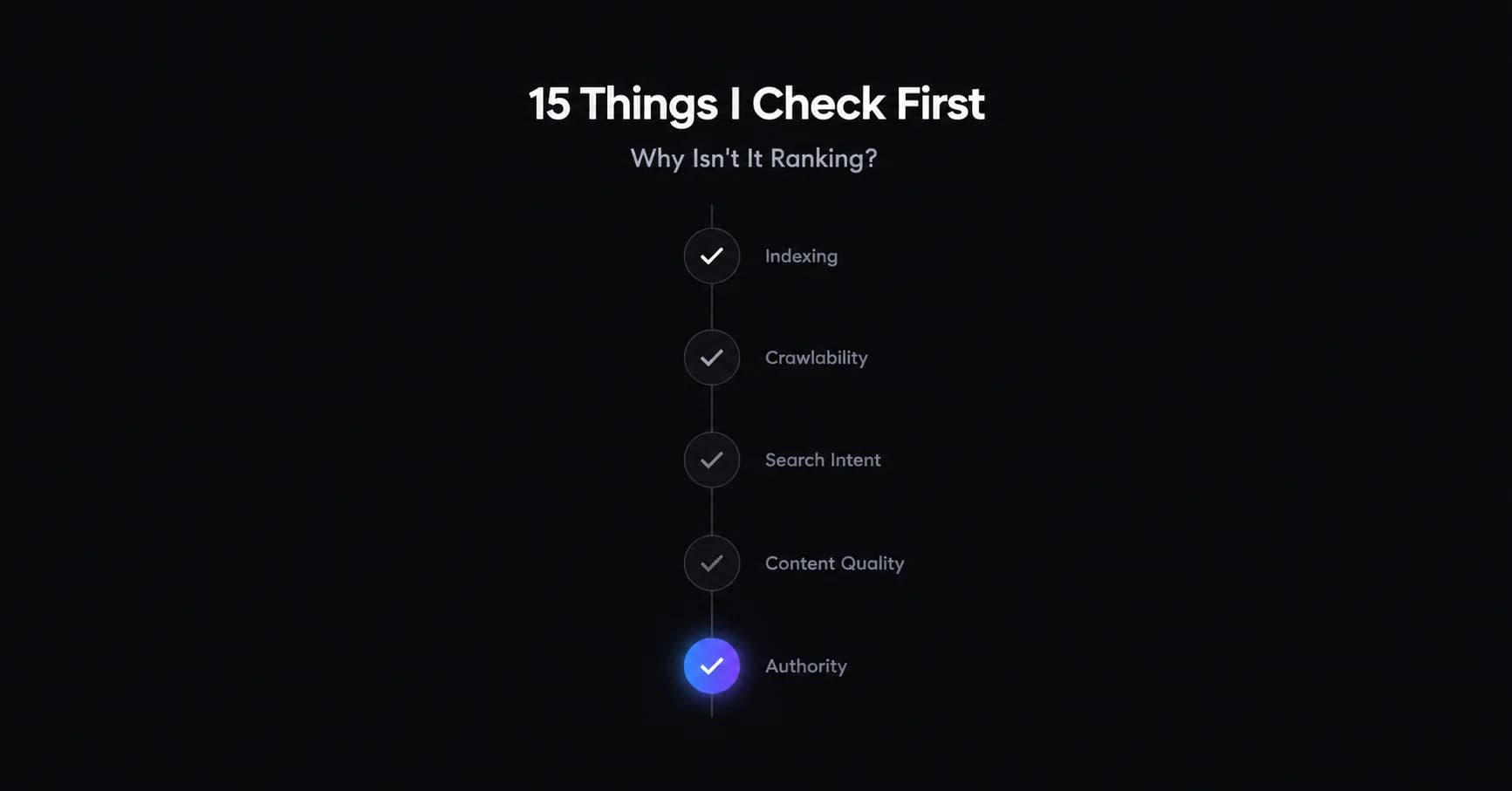
Here are the 15 things I check first.
First, Are You Actually Not Ranking?
Before touching anything, I want to separate three different situations.
Your page isn't indexed
Google hasn't included the page in its index.
If that's the case, ranking isn't the problem yet.
Your page is indexed but ranks very low
Google knows the page exists, but it doesn't consider it competitive enough for the searches you're targeting.
Your website ranks, but not for the searches that matter
This happens more often than you might think.
A website can generate impressions and even rank on page one for keywords that have little commercial value.
That's why I don't look at rankings in isolation.
I look at indexation, impressions, clicks, search intent, traffic and ultimately business results.
1. Is the Page Actually Indexed by Google?
This is the first thing I check.
There's no point spending hours improving content on a page Google hasn't included in its index.
I usually start with Google Search Console's URL Inspection tool.
It can tell you whether Google has indexed the URL and provides information about crawling and indexing.
You can also use a site: search as a quick secondary check, although I wouldn't use it as the main diagnostic method.
For example:
site:example.com/service-page/
If the page isn't indexed, I investigate why before worrying about rankings.
What I check
URL Inspection status
Indexing reports
XML sitemap
Internal links
noindexdirectivesCanonical tags
Crawl issues
Server responses
2. Can Google Crawl the Page?
Being linked somewhere on your website doesn't automatically mean everything is technically accessible to Google.
I check whether Googlebot can actually reach the important pages.
Some common problems include:
Incorrect robots.txt rules
Server errors
Broken internal links
Pages that are effectively orphaned
Poor site architecture
JavaScript implementation problems
Redirect problems
These are all areas I look at when working through technical SEO problems.
If Google can't properly access a page, improving the copy won't solve the underlying problem.
3. Did You Accidentally Add a Noindex or Canonical Problem?
I've seen technical problems that look like ranking problems until you inspect the actual page.
A page may have a noindex directive.
Or its canonical tag may point somewhere else.
For example:
Page A:/seo-services/
Canonical:
/services/
If the canonical setup doesn't reflect what you actually want Google to index, you're sending mixed signals.
I check:
noindexCanonical tags
HTTP vs HTTPS
Redirects
Duplicate URLs
Sitemap URLs
Preferred URL structure
The goal isn't to make every URL rank.
It's to make it clear which version of a page should be considered the main one.
4. Is Google Choosing a Different URL?
This is slightly different from simply having a broken canonical.
Sometimes your website has several pages that could potentially answer the same search.
For example:
/seo-services//seo-consultant//seo-expert//blog/what-is-seo/
If several pages are targeting nearly the same search intent, Google has to determine which page is the best candidate.
This is why I don't just look at individual pages.
I look at the relationship between pages across the entire website.
The goal isn't to make every page rank.
The goal is to make it clear which page should rank for which search.
5. Are You Targeting the Right Search Intent?
This is one of the biggest things I check.
Let's say someone searches:
"SEO services"
They're probably looking for a service.
But if your page is a 2,000-word article explaining:
"What Is SEO?"
you may have a relevance problem even if you've used the keyword correctly.
The words might be related.
The intent isn't.
I compare your page with the actual results Google is showing for the target query.
I ask:
What type of pages are ranking?
Service pages?
Product pages?
Guides?
Category pages?
Local results?
Comparison pages?
What questions are those pages answering?
The SERP itself is one of the best clues about what Google believes the searcher wants.
6. Does Your Website Have the Right Page for the Search?
Sometimes the problem isn't bad content.
The problem is that the right page doesn't exist.
I've seen websites where the homepage is expected to rank for almost everything:
SEO services
Web design
Digital marketing
Local SEO
E-commerce
Different cities
Different industries
That's usually not a good structure.
If a business wants to rank for an important commercial service, it may need a dedicated page built around that service and its actual search intent.
The same applies to other areas of SEO.
Before asking:
"How can I make this page rank?"
I ask:
"Is this even the right page to rank?"
7. Is Your Content Actually Competitive?
Having content isn't enough.
Your page has to compete with the pages already ranking.
I don't believe the solution is simply:
"Make it longer."
A 4,000-word article isn't automatically better than a 1,500-word article.
When I compare competing pages, I look at:
What topics they cover
What questions they answer
How well they match intent
Original information
First-hand experience
Examples
Evidence
Content structure
Internal links
Overall usefulness
If the problem is relevance, search intent, page structure, or content quality, this is where On-Page & Content SEO becomes important.
The question isn't:
"How many words should I add?"
It's:
"Why should Google prefer this page over the pages already ranking?"
8. Does the Page Show Real Experience?
This is increasingly important for the kind of content I want to publish myself.
There's a difference between:
"Technical SEO is important because it helps search engines crawl your website."
and:
"I audited a site where hundreds of pages were technically live, but important sections weren't being indexed because of a combination of internal linking and technical configuration."
The second one teaches something from experience.
When possible, I look for opportunities to add:
Real examples
Original observations
Screenshots
Case studies
Data
Experiments
Lessons from actual projects
Anyone can rewrite information already available online.
Your own experience is much harder to copy.
9. Are Multiple Pages Competing With Each Other?
This is commonly called keyword cannibalization, although the actual problem is often more nuanced than simply using the same keyword twice.
Imagine you have:
"Best SEO Services"
"SEO Services"
"SEO Consultant"
"SEO Expert"
"SEO Company"
If all four pages are targeting nearly the same intent, you may have created unnecessary competition within your own website.
I check:
Target keywords
Search intent
Rankings
Organic traffic
Page purpose
Internal links
Content overlap
The solution might be to:
Consolidate pages
Redirect one page
Differentiate their intent
Strengthen one primary page
Change internal linking
The objective is clarity, not simply reducing the number of keywords.
10. Is Your Internal Linking Strong Enough?
Internal links are one of the easiest things to overlook.
A page can be excellent and still receive very little internal support.
I look for:
Orphan pages
Important pages buried too deeply
Relevant contextual links
Descriptive anchor text
Links from authoritative pages
Links between related topics
For example, if your most important service page is only accessible through a generic navigation menu and almost no relevant content links to it, I'd investigate that.
Your internal links should help users and search engines understand:
Which pages are important?
Which pages are related?
What is this page about?
11. Does Your Website Have Enough Topical Relevance?
You don't need to publish hundreds of articles just to make your website look active.
You need useful content around the topics that matter to your business.
For example, a website trying to establish strong SEO expertise could have supporting content around:
Technical SEO
SEO audits
On-page SEO
Local SEO
E-commerce SEO
SEO strategy
Search intent
Link building
Case studies
The goal isn't to publish for the sake of publishing.
It's to build useful topical depth.
12. Is Your Website Strong Enough to Compete?
Sometimes a page is technically sound.
The content is good.
The intent is right.
And it still doesn't rank.
Why?
Because the competition is stronger.
This is where I compare the actual ranking landscape.
I look at:
Competing pages
Relevant backlinks
Referring domains
Brand strength
Topical relevance
Content quality
Website structure
SERP competition
And this is where SEO advice often becomes misleading.
If you're trying to rank a new website against established websites with years of relevant authority, changing the title tag isn't going to close that gap.
You need a realistic strategy.
13. Are Technical Problems Holding the Website Back?
Once the basic indexing checks are done, I look deeper into technical SEO.
Depending on the website, this can include:
Broken links
Redirect chains
Incorrect redirects
Duplicate URLs
Poor site architecture
JavaScript rendering
Mobile usability
Core Web Vitals
HTTP status codes
Faceted navigation
Crawl issues
But I don't treat every technical issue as equally important.
That's important.
A website might have 50 minor technical warnings that have almost no impact on its organic performance.
At the same time, one major indexing problem could affect hundreds of important pages.
SEO isn't about collecting the biggest list of errors. It's about finding the problems that actually matter.
If you want to work through a more detailed technical review, I've also put together this technical SEO audit checklist covering the areas I check when diagnosing technical problems.
14. Did Something Change Recently?
If a website used to rank and suddenly stopped, I approach the investigation differently.
I ask:
What changed?
Maybe the website:
Was redesigned
Changed URLs
Migrated platforms
Changed domains
Removed content
Changed internal links
Added redirects
Changed templates
Lost important backlinks
Experienced a technical problem
If your organic traffic dropped suddenly, I don't immediately recommend publishing more content.
I'd first investigate the timeline and compare the website's search performance before and after the change.
This can reveal whether you're dealing with a technical issue, content change, search demand change, competitive movement, or something else.
15. Are You Measuring the Wrong Thing?
This is probably the most important business question.
A lot of SEO conversations stop at:
"What's your ranking?"
But that's not enough.
I prefer to think about SEO as:
Rankings → Impressions → Clicks → Qualified Traffic → Leads → Sales
Imagine you rank #2 for a keyword that gets almost no relevant searches.
That sounds great in an SEO report.
It might be worthless to the business.
Now imagine another page ranks #8 for a high-intent keyword that brings qualified visitors who become customers.
That's why I don't look at rankings in isolation.
The goal isn't simply to rank. The goal is to attract the right people and create business results.
The 5-Minute Check I Would Do First
If you're trying to figure out why a page isn't ranking, don't start by changing everything.
Start here.
Step 1: Check the URL in Google Search Console
Use the URL Inspection tool.
Find out whether Google knows about the page and whether it is indexed.
Step 2: Check the page's search performance
Look at:
Impressions
Clicks
Queries
Average position
Step 3: Search the target keyword
Look at the actual SERP.
Don't assume what Google wants to show.
See what is ranking.
Step 4: Compare your page
Ask:
Is my page actually the best result for this search?
Be honest.
Step 5: Find the biggest gap
Is it:
Indexing?
Intent?
Content?
Internal linking?
Authority?
Competition?
Technical SEO?
Fix that first.
What I Wouldn't Do First
When a website isn't ranking, these are some of the things I wouldn't immediately do.
Buy a bunch of backlinks
If the page isn't indexed or targets the wrong intent, backlinks aren't going to solve the underlying problem.
Stuff more keywords into the page
Repeating a keyword 20 more times doesn't make a page more relevant.
Publish 50 AI-generated articles
More content isn't automatically better content.
If the articles don't provide something useful or original, you're just creating more URLs.
Change every title tag
Titles matter, but changing titles won't fix a fundamental technical or strategic problem.
Obsess over an SEO score
Third-party SEO scores can be useful for certain checks, but they aren't Google rankings.
Fix every technical warning
Not every warning deserves the same priority.
I want to know what is preventing growth, not just how many errors a crawler can find.
Real Problems I've Found During Website Audits
This is where SEO becomes much more interesting than a checklist.
I've worked on websites where the problem wasn't simply "you need more content."
I've found situations involving:
Important pages that weren't being indexed
Canonical tags pointing to incorrect URLs
Robots.txt blocking sections that needed to be crawled
Large redirect chains
E-commerce websites with hundreds of crawl errors
Service websites struggling with performance
B2B websites with significant content duplication
Pages with backlinks but weak search intent and on-page targeting
The lesson from these audits is pretty simple:
The visible problem isn't always the real problem.
A business owner might say:
"We're not ranking. We need backlinks."
After looking at the website, the real problem might be:
"Google isn't properly indexing your important pages."
Or:
"You're targeting a commercial keyword with an informational article."
Or:
"Your pages are competing with each other."
That's why I prefer diagnosing the website before recommending a list of SEO activities.
Why Fixing the Wrong SEO Problem Can Waste Months
This is where I think a lot of SEO work goes wrong.
If Google can't index your page, publishing more content isn't the first priority.
If your page targets the wrong search intent, adding another 1,000 words may not help.
If your competitors are substantially stronger, changing one heading isn't going to close the gap.
If your website is targeting keywords that don't produce customers, increasing rankings alone won't solve the business problem.
SEO isn't about doing more things.
It's about doing the right things in the right order.
The Way I Diagnose SEO Problems
When I audit a website, I generally think through the problem in this order:
1. Access
Can Google reach the important pages?
2. Indexation
Has Google actually indexed them?
3. Relevance
Does the page match the searcher's intent?
4. Quality
Does the page genuinely satisfy the search?
5. Architecture
Does the website make the relationship between its pages clear?
6. Authority
Does the website have enough relevant signals to compete?
7. Competition
What are the current ranking pages doing better?
8. Business value
Even if this page ranks, will it bring the right traffic and leads?
This is much more useful than running a website through a tool and fixing whatever comes out as a red warning.
When You Should Get an SEO Audit
You probably don't need a full SEO audit every time a page moves from position 8 to position 11.
But I'd seriously consider one if:
Your website has been live for months and gets almost no organic visibility
Organic traffic suddenly dropped
A website redesign hurt rankings
You migrated to a new platform
Important pages aren't being indexed
You have lots of content but very little organic traffic
Rankings have been stuck for months
You've been publishing content without seeing results
You've hired SEO help but don't understand what is actually being fixed
You don't know what to prioritize next
A proper SEO audit and strategy should not just give you a list of 100 errors.
It should tell you:
What's wrong → Why it matters → What to fix → What to prioritize → What comes next.
That's the difference between an automated report and an SEO strategy.
Final Thought
When a website isn't ranking, it's tempting to look for one simple answer.
"You need more backlinks."
"You need more content."
"Your domain is too new."
"You need better keywords."
Sometimes one of those things is true.
But SEO problems are rarely solved properly by guessing.
Find the problem first. Then fix it.
That's how I approach SEO.
Frequently Asked Questions
There can be many reasons. The most common areas I investigate are crawling, indexing, search intent, content quality, internal linking, technical SEO, authority and competition. The right fix depends on what is actually happening with the website.
Indexing only means Google has included the page in its index. It doesn't guarantee a strong position. If your page is indexed but not ranking well, investigate search intent, content quality, internal linking, authority, competition and technical issues.
There isn't one fixed timeline. It depends on the website, competition, search intent, content, authority, technical condition and the type of queries you're targeting. A new website competing for difficult commercial terms will generally require more time and work than an established website targeting less competitive searches.
The best place to start is Google Search Console's URL Inspection tool. You can also use a site: search as a quick check, but Search Console provides much more useful information.
Yes, depending on the query and competitive landscape. Some searches don't require significant link authority. For competitive commercial searches, however, relevant authority can become an important part of the competition.
Not necessarily. More content only helps when it addresses a real opportunity and provides value. Before publishing more, I'd find out whether the problem is actually content.
If you've already tried SEO and don't know why your website isn't improving, an experienced SEO professional can help identify the actual bottleneck and prioritize the work instead of simply giving you another checklist.
Ready to fix what's actually holding your site back?
I'll show you exactly what's costing you rankings and traffic, then build the plan to fix it.
Get a Free Strategy Call